FlyClash isA refined modern proxy client
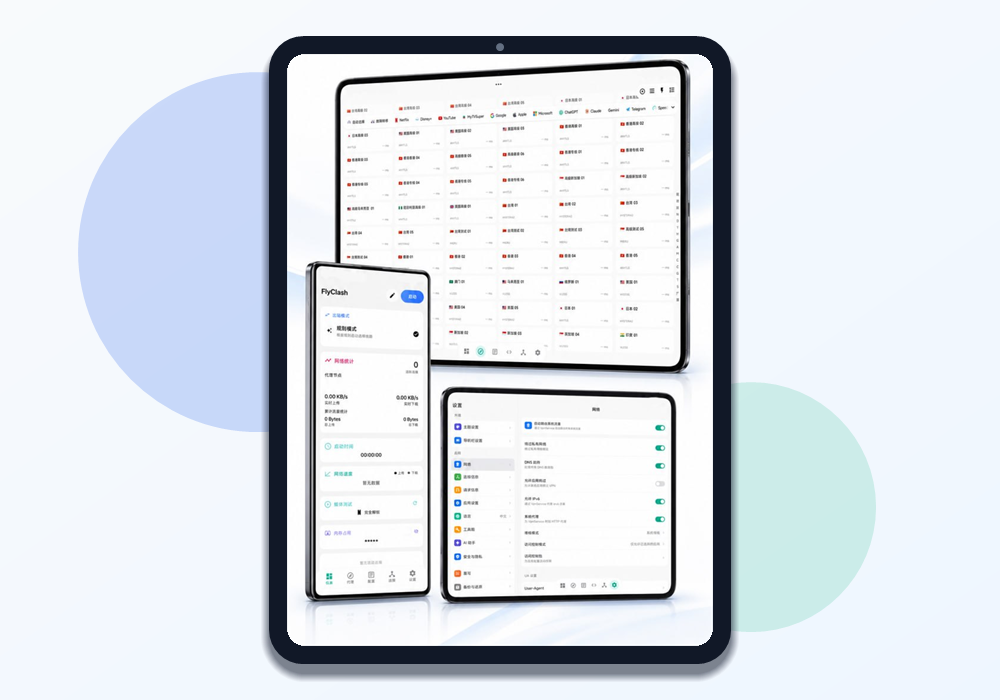
FlyClash brings a powerful core together with a calm, polished interface. Manage proxy nodes, check streaming unlocks, and keep everyday network control simple on macOS, Windows, and Android.
 FlyClash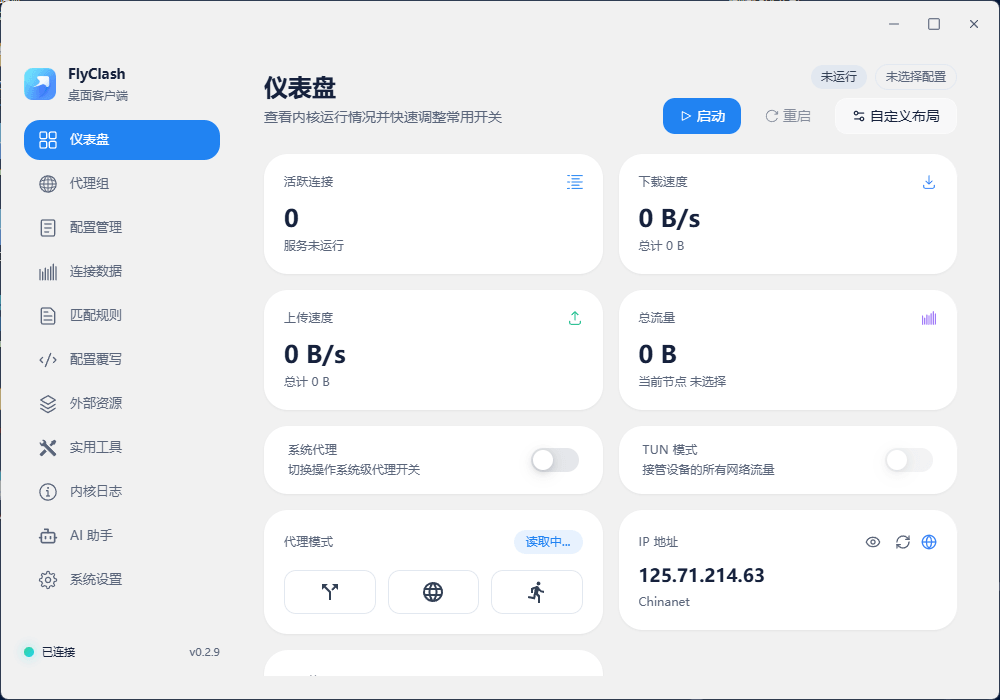
Lightweight, but fully equipped
Every feature is shaped to make proxy management smoother and easier to repeat.
Latest Clash core
Modern rule support keeps routing fast, capable, and stable.
Clear control dashboard
Connection status, traffic charts, and proxy nodes stay easy to scan.
Streaming unlock checks
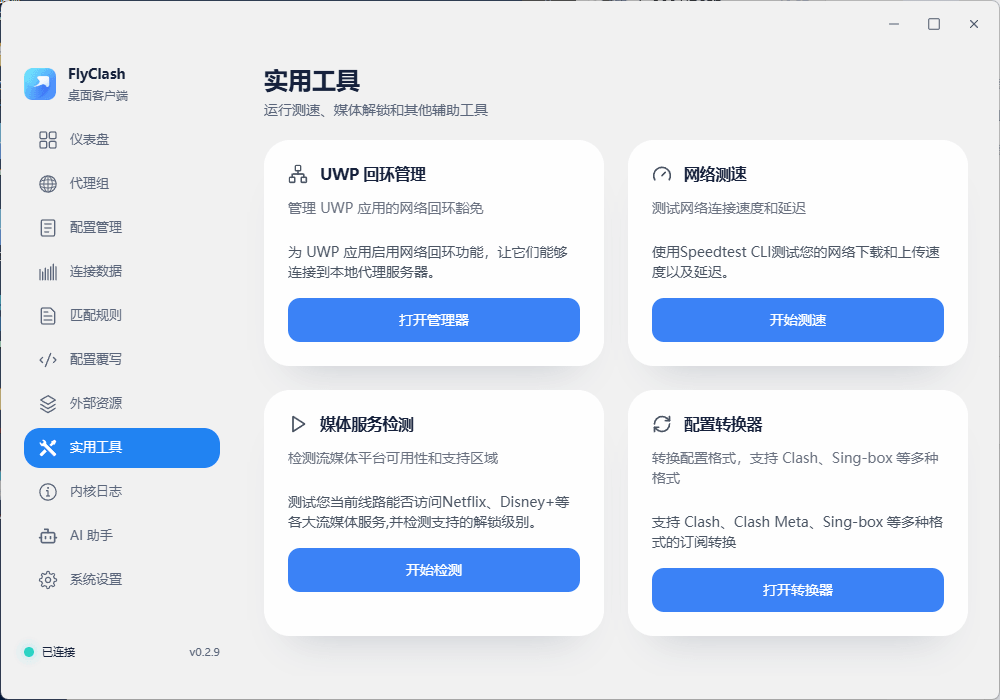
Test whether nodes unlock Netflix, Disney+, and other major streaming services.
Speed tests and sharing
Measure latency and bandwidth, then generate clean shareable speed cards.
Subscription management
Import multiple subscription links and keep configurations fresh automatically.
Tray and theme support
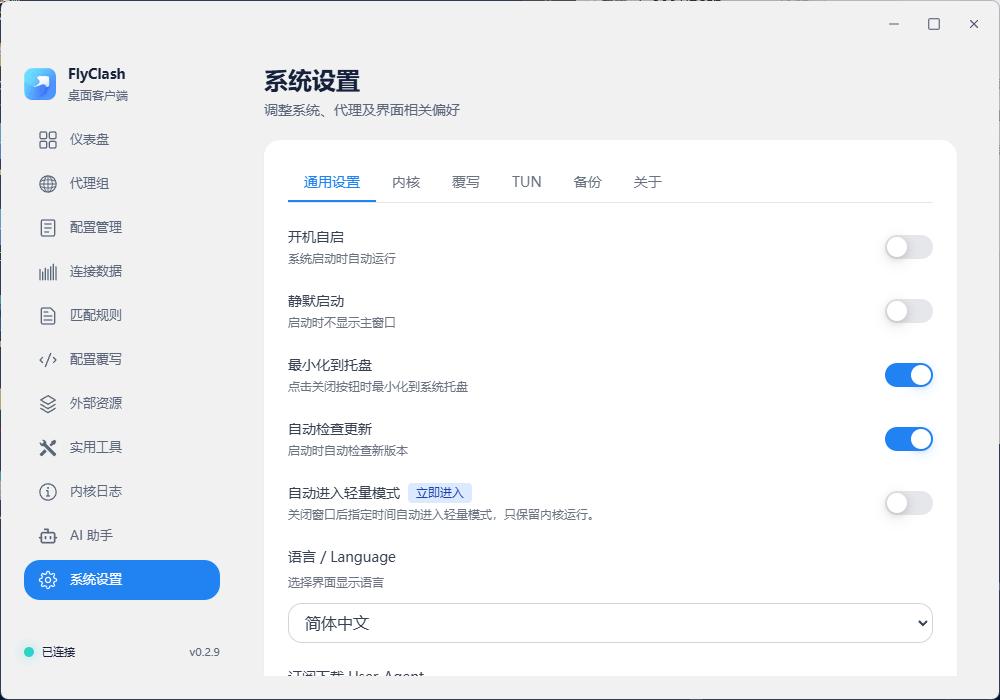
Light and dark themes, system tray actions, and quick desktop controls.
Choose your version
Download ready-to-use macOS, Windows, and Android builds. FlyClash is open source and free.
Build from source
Prefer a hands-on workflow? Compile your own client locally in four steps.
The commands below apply to the desktop FlyClash repository. For Android source code, see the FlyClash-Android project.
git clone https://github.com/GtxFury/FlyClash.git
cd FlyClash
npm install
npm run electron:dev
npm run electron:build
Frequently Asked Questions
If something gets in the way, start with these common fixes.
✓Which systems does FlyClash support?
FlyClash currently provides builds for macOS, Windows, and Android. macOS has Apple Silicon and Intel packages, Windows has installer and portable archive options, and Android is available as an arm64-v8a APK.
✓Which Android package should I download?
Use the arm64-v8a APK on this page for most modern Android phones and tablets. Before installing, make sure Android allows APK installs from your browser or file manager.
✓What is the difference between the Windows installer and archive?
The installer is best when you want a regular setup flow and shortcuts. The archive is better for portable use, no-install setups, or managing the app folder yourself.
✓The Clash core will not start. What should I check?
Make sure no other proxy client is running, because it may cause a port conflict. FlyClash uses mixed port 7890 by default, and you can change it in settings.
✓No nodes appear after importing a subscription.
Check that the subscription URL is reachable and still valid. If the subscription requires login or custom headers, copy a fresh standard subscription link from your provider dashboard.
✓System proxy settings fail or do not take effect.
Security software or system permission policies may block proxy changes. Try running FlyClash as administrator, or configure the proxy manually in system network settings.
POWERED BY MODERN OPEN SOURCE TECH STACK